Survive 7 Days On A Island Updates & Patch Tracking
How to follow The The Studios changes, plus links to patch-notes style summaries and known issues.
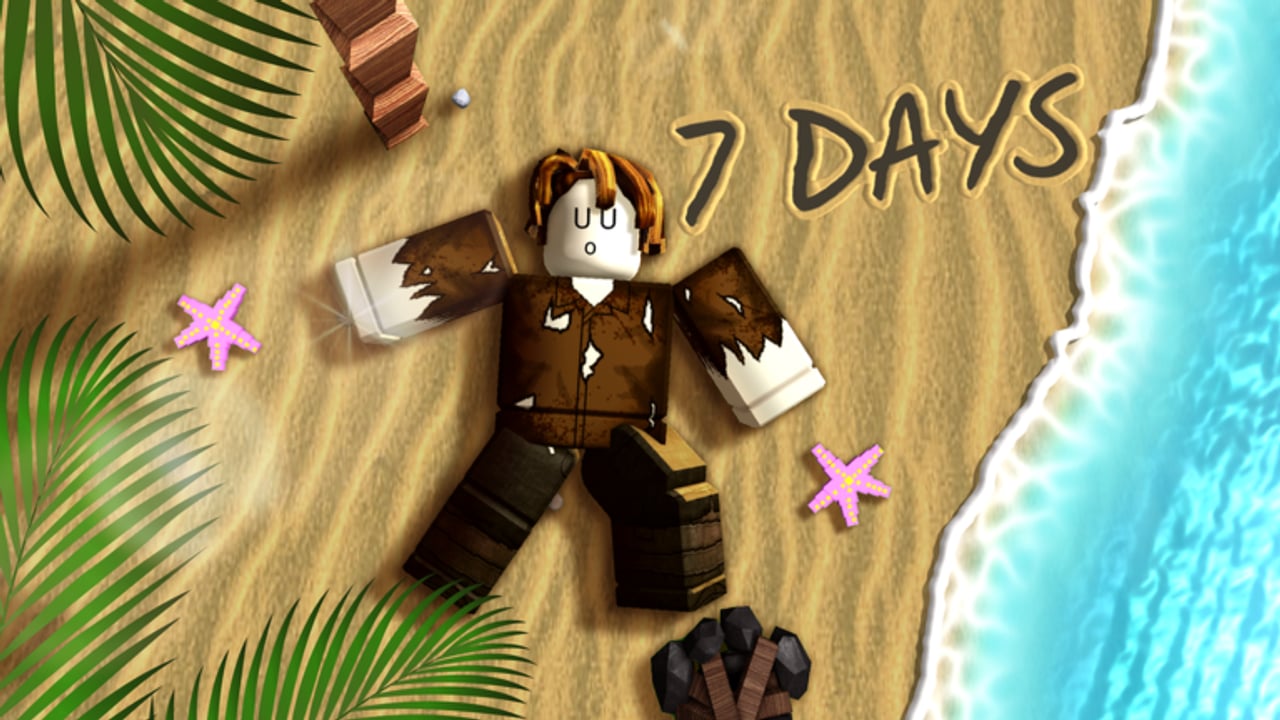
Survive 7 Days On A Island is an early Roblox experience from The The Studios that is still being worked on. This Updates Hub explains how to track changes without pretending we have a perfect private changelog feed. Use it alongside Patch Notes and Known Issues.
Why tracking updates matters here
The core loop — fish, fire, shelter, storms, wolves, shipwrecks, endure seven-plus days — can shift when tuning lands. A storm that felt fair on Tuesday might spike Wednesday. Builder costs, animal pathing, or wreck spawns may move while the place sits in active development. Players chasing Survivor, Veteran, Legend, or top 100 need a habit for noticing those swings.
Visits sit around ~374K+ already (favorites ~2.3K+), and lobbies can hold up to 20 players. When something feels “off,” check whether you hit a patch before rewriting your entire tier list doctrine.
How to monitor the Roblox page
- Open the official place: Survive 7 Days On A Island on Roblox.
- Read the description and any developer notes about new content, changes, and bugs.
- Sort experience posts / group shoutouts from The The Studios when available.
- Favorite and like the place so it stays easy to re-open after Roblox home feed churn.
- After each session, glance at server hop behavior — sudden client restarts across friends often signal a deploy.
Bookmark Official Links for the same destinations in one wiki click.
What “still receiving content” usually means
Early survival places iterate in bursts:
- Content — new props, routes, craft options, or presentation polish
- Changes — balance on hunger, storms, wolves, or build pieces
- Bugs — collisions, persistence oddities, UI misses, badge tracking hiccups
Exact notes can be sparse. Our Patch Notes page stays honest about that sparsity while summarizing the cadence players should expect.
Child pages on this hub
- Patch Notes — how to read official blurbs, what early patches typically touch, and how to log personal changelogs
- Known Issues — early-game bug expectations and how to report problems to The The Studios group
Read both before blaming your survival priorities for a wipe that was actually a stuck flame interaction.
Update-driven checklist for serious lobbies
When you suspect a deploy:
- Run a five-minute fire/food/shelter audit on a fresh join.
- Test one fishing cycle and one build action before long Explorer routes.
- Ask whether wolf aggression or storm timing feels different.
- Pause Leaderboard pushes for a night if systems feel unstable.
- Skim this hub’s children and adjust badge plans if counters mis-track.
What we will not do on this hub
- Invent dated patch titles we cannot verify
- Claim “full patch notes” when the studio only posted a short blurb
- Mix rumor from random comment sections without labeling uncertainty
- Promise that codes will arrive on a specific update (none confirmed as of November 2026)
Honesty keeps the wiki useful while the experience evolves.
Linking updates to the rest of the wiki
| If the patch touches… | Re-read |
|---|---|
| Storms / hunger | Survival Priorities |
| Tools / structures | Tools and Gear |
| Animals / wrecks | Tier List Hub |
| Badges / ranking | Players Hub |
| Client instability | Known Issues |
| Onboarding flow | Getting Started |
Community hygiene after patches
- Tell teammates what changed in one sentence before the next storm.
- Avoid installing panic scripts to “fix” new friction.
- Capture short clips of reproducible bugs for studio reports.
- Update your lobby rules if curfews need to tighten.
Cadence expectations (high level)
Do not expect AAA-dated fortnightly essays. Expect uneven bursts: quiet days, then a cluster of fixes after a messy weekend. Check the Roblox page when player chatter spikes, and glance at the place’s last-updated stamp (Roblox listed one on 9 November 2026) so quiet weeks still leave a breadcrumb. Log what you personally observe so sparse official notes still leave you with a usable history.
Freshness promise
This hub stays focused on process — how to track — while child pages hold summaries. When The The Studios ships a clearer roadmap or recurring notes format, we will reflect that here without rewriting history into fake precision.
Stay adaptable. The island is playable today, still receiving work, and the lobbies that survive patches are the ones that notice them early.
Frequently Asked Questions
Quick answers for island survival, codes, and badges.
Where do I find official Survive 7 Days On A Island updates?
Start with the Roblox game page description and The The Studios group posts. This hub links Patch Notes and Known Issues pages that help interpret sparse official blurbs.
Is the game finished?
No. It is an early experience that is still being worked on and continues to receive content, changes, and bug fixes.
How often do patches land?
Cadence can be uneven. Watch for bursts after busy weekends rather than a fixed public calendar. Log personal observations when official notes are short.
Should I change my survival plan after every update?
Run a short audit of fire, food, shelter, and combat feel first. Only rewrite tier priorities when something meaningfully changed.
Where do I report bugs?
See the Known Issues page for early-bug expectations and guidance on reporting to The The Studios group with clear reproduction steps.